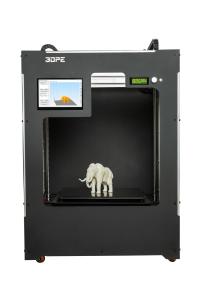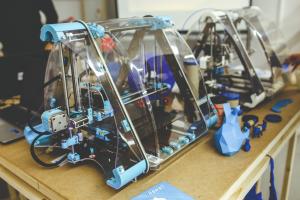
Jumping into 3D printing? It’s super exciting! You’re about to unlock a whole new world of creativity. First things first, you’ll need a reliable 3D printer. Look for something beginner-friendly. Brands like Creality and Anycubic offer great options that won't break the bank but still deliver solid performance.
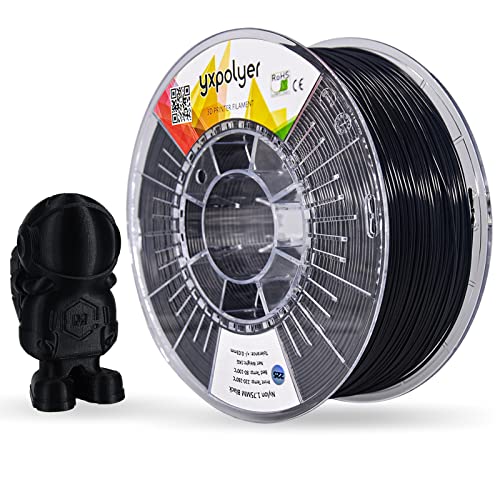
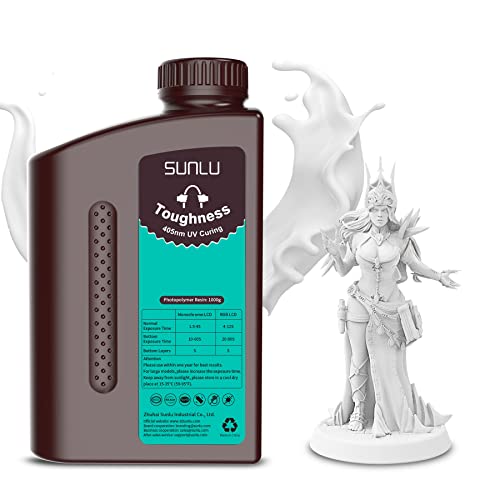
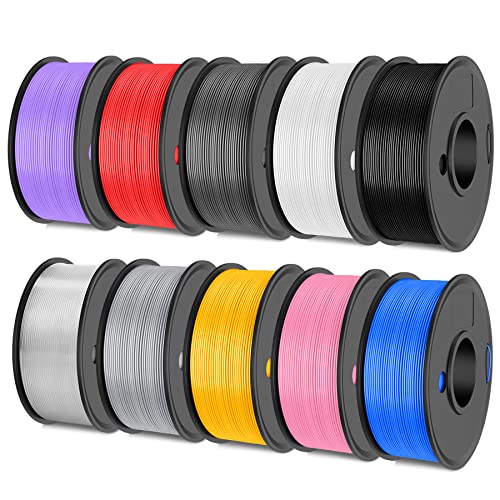
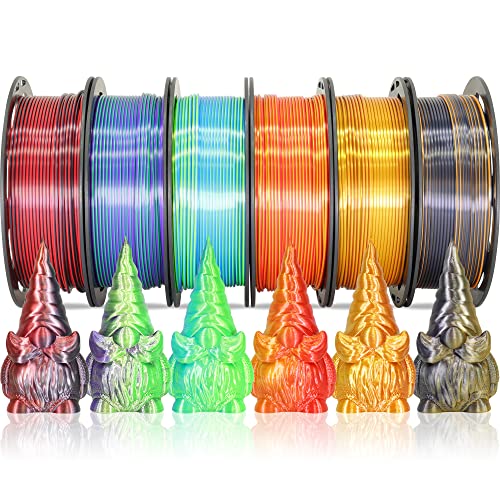
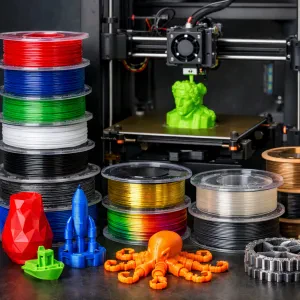
Next up is the filament. This is the material you’ll need to print your designs. PLA is the way to go for newbies. It’s easy to work with and doesn’t require a heated bed, making things way simpler for you. Just grab a spool, and you’re good to go!
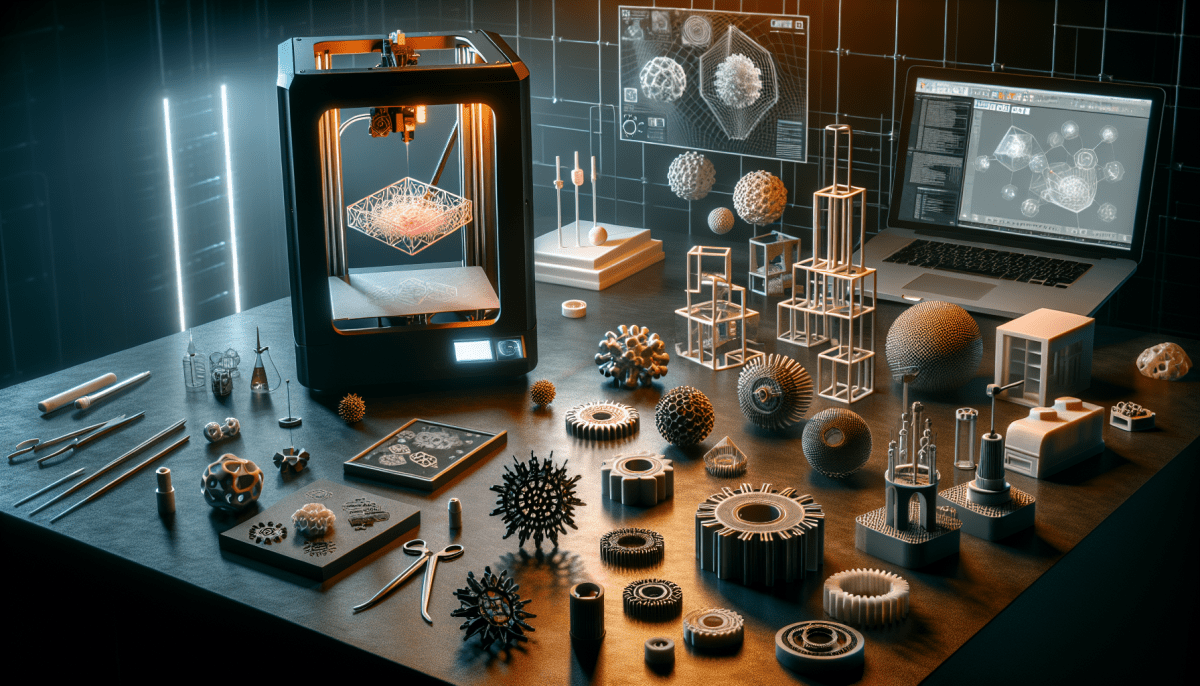
Now onto software. You’ll want a good slicing program to turn your 3D models into instructions your printer can understand. Cura is a popular choice among beginners. It’s user-friendly and has plenty of tutorials out there to help you get started.
After you've set up your printer and loaded the filament, it’s time to create! Start with some simple designs to get the hang of things. Websites like Thingiverse are treasure troves of free models you can print. Don’t worry if your first few prints don't turn out perfect – practice makes progress!
Choosing Your First 3D Printer
Getting your first 3D printer can feel a bit overwhelming, but it doesn’t have to be! Start by thinking about what you want to make. Are you into DIY projects, or do you have cool ideas for toys or gadgets? Knowing what you want to print will help narrow down your choices.
Next, think about the features that matter to you. Some beginners love printers that come mostly assembled. These are super user-friendly and save you from the hassle of building it up from scratch. Others might enjoy a kit that they can put together themselves, giving a deeper understanding of how the printer works. Figure out what fits your style!
Budget is also key. You can find 3D printers in a wide range of prices. Look for models that fit your wallet but still meet your needs. Don’t forget about the costs of filament and other supplies; these can add up over time. Check reviews and user feedback to find a reliable option without breaking the bank.
Finally, join a community! There are tons of forums and social media groups full of helpful folks. This is a great place to ask questions, share your prints, and learn from experienced printers. They can guide you toward the right printer and help you avoid common rookie mistakes.
Essential Printing Materials You Need
Filament: This is your bread and butter. Most beginners start with PLA (Polylactic Acid) because it's super easy to work with. It’s biodegradable, comes in loads of fun colors, and prints cleanly. If you want something tougher, try ABS (Acrylonitrile Butadiene Styrene). It's strong and can handle heat better but can be a bit fussy.
Build Plate Adhesives: Sometimes your prints just won't stick to the build plate. This is where adhesives come in. You can use glue sticks, painter's tape, or specialty products designed for 3D prints. Experiment to see what works best for your printer and filament.
Tools: A good set of tools makes life a lot easier. Get yourself some snips for cutting filament, a scraper for removing prints from the build plate, and some tweezers for handling small parts. They'll save you a ton of frustration!
Storage: Filament can absorb moisture, which messes with printing. Keep your filament dry and safe in airtight containers or vacuum-sealed bags. This little step can make a huge difference in print quality.
Helpful Tips for First-Time Users
Getting started with a 3D printer can feel a bit overwhelming, but it doesn’t have to be! Here are some awesome tips to help you hit the ground running.
First, always read the manual. I know it sounds boring, but that little booklet has a treasure trove of info specific to your printer. It’ll help you understand settings, features, and maintenance routines. Knowing your machine inside and out can save you a lot of headaches down the line.
Next, start with easy projects. Pick simple designs when you first dive in. Lots of sites offer beginner-friendly models that are quick to print and look great. You'll build confidence and get the hang of the process without feeling like you’re swimming against the current.
Don't forget to play around with the settings! Adjust things like print speed, temperature, and layer height to see how they impact your prints. It’s all part of the learning experience. And don’t sweat the small stuff—every expert was a beginner at some point!
Finally, join a community. Search for online forums or local groups where fellow 3D printing enthusiasts hang out. They can provide tips, share resources, and help troubleshoot issues. You’ll make friends and learn even faster. Happy printing!